











Long Product Description
Opening Statement / Hero Overview
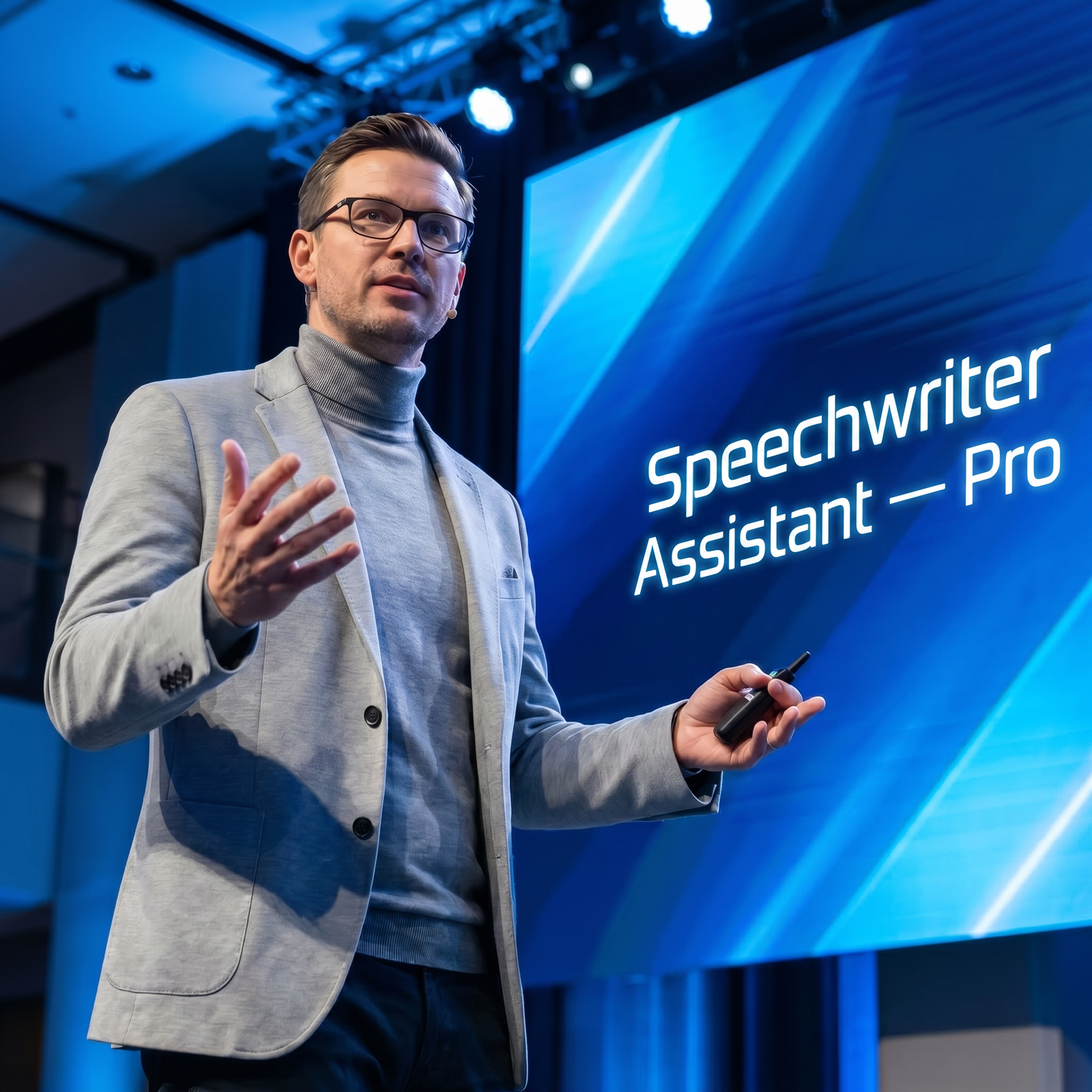
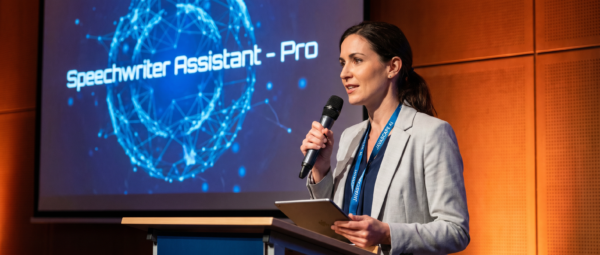
Speechwriter Assistant — Pro helps users prepare clear, human, and occasion-ready speeches without starting from a blank page.
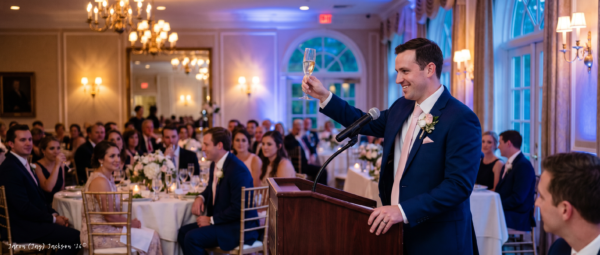
It is designed for the moments when the words matter: wedding toasts, funeral tributes, vows, graduations, awards, business remarks, family milestones, community events, and other public or personal occasions. Instead of giving users a generic speech template, it helps shape tone, structure, audience fit, emotional balance, and delivery readiness around the specific moment.
Who It’s For
Wedding Speakers and Toast-Givers:
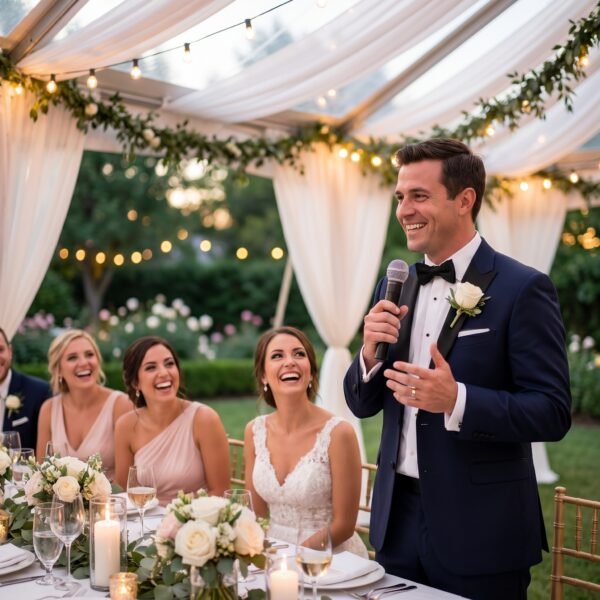
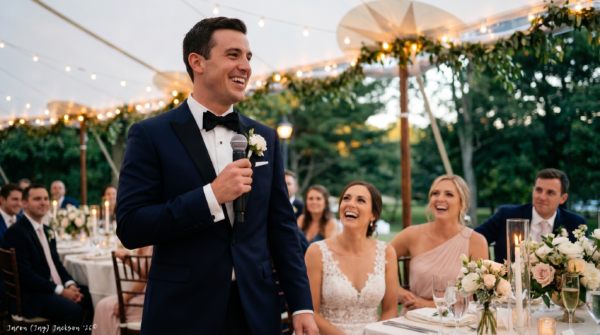
This assistant fits best men, maids of honor, parents, couples, officiants, and guests who need a speech that feels warm, polished, and respectful. It can help shape vows, rehearsal dinner remarks, wedding toasts, anniversary speeches, and short celebration messages.
Families Preparing Tributes and Memorial Remarks:
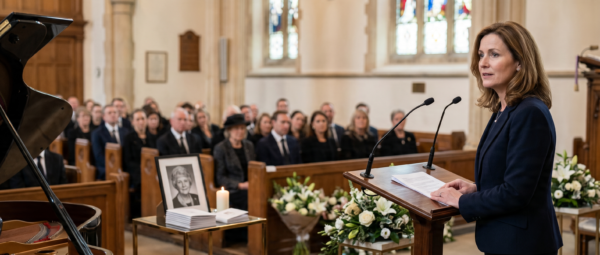
Speechwriter Assistant — Pro supports users who need help organizing memories, gratitude, and meaningful details into a dignified tribute. It is useful for eulogies, memorial speeches, celebration-of-life remarks, obituary-style drafts, and family remembrance moments.
Professionals Speaking at Business or Recognition Events:
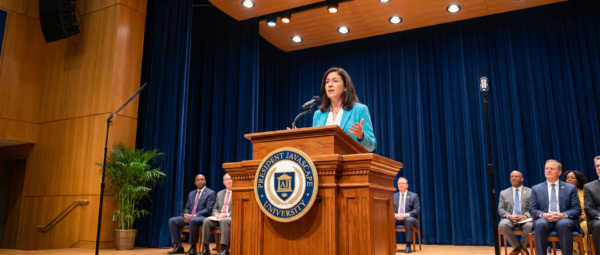
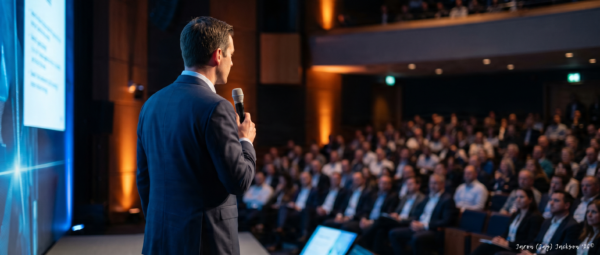
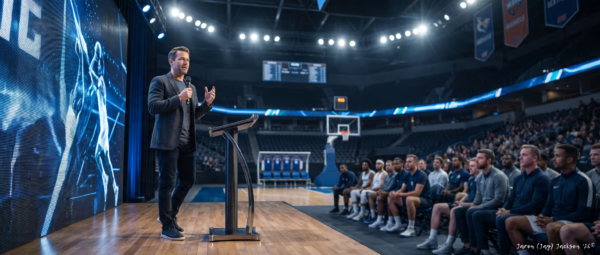
This assistant is useful for founders, managers, team leaders, employees, award recipients, presenters, and hosts who need professional remarks that sound clear and credible. It can help prepare launch speeches, team appreciation messages, award remarks, retirement tributes, and internal event speeches.
Graduation, School, Sports, and Community Speakers:
Students, teachers, principals, coaches, athletes, club organizers, nonprofit leaders, and community speakers can use the assistant to develop remarks that are encouraging, structured, and audience-aware. It helps users move from scattered ideas to a speech with clearer purpose and flow.
Everyday Users Who Need the Right Words:
Many users do not think of themselves as speechwriters. This assistant is built for people who feel nervous, emotional, short on time, or unsure how to organize their thoughts before an important speaking moment.
Why Users Want It / What Problem It Solves
Writing a speech can feel difficult because the pressure is personal. Users often know what they feel, but not how to say it clearly, respectfully, or within the right length.
Speechwriter Assistant — Pro helps reduce that friction by turning rough notes, memories, event details, and speaking goals into structured remarks. It supports users who need help with opening lines, emotional tone, transitions, audience fit, humor, tribute language, and closing lines.
It is especially useful when users want their speech to sound natural rather than robotic. The assistant is designed to preserve the user’s voice while improving clarity, rhythm, tone, and delivery readiness.
How It Works
Speechwriter Assistant — Pro guides users from occasion details to a polished draft through a simple, practical workflow. It can work from a few details, a rough outline, or a full draft that needs refinement.
Step 1: Define the Occasion
The assistant starts by identifying what kind of speech the user needs and why the moment matters. This helps the draft match the emotional setting and audience expectations.
- Wedding, vow, toast, or anniversary speech
- Funeral, memorial, eulogy, or tribute
- Graduation, award, business, sports, or community remarks
- Emcee script, introduction, or event transition
This step keeps the speech grounded in the real occasion.
Step 2: Capture the Speaker’s Role
Next, the assistant clarifies who is speaking and what relationship they have to the person, group, or event. This helps the speech feel personal without becoming overdone.
- Parent, friend, sibling, spouse, coworker, coach, host, or honoree
- Formal, casual, faith-sensitive, professional, or family-centered setting
- Small private audience or larger public event
- Topics, names, or details to avoid
This step helps the speech sound appropriate for the person delivering it.
Step 3: Shape the Tone and Structure
The assistant then helps choose the right tone and speech structure. It can support warm, formal, heartfelt, lightly humorous, reflective, professional, or faith-sensitive language.
- Strong opening lines
- Clear flow and transitions
- Personal stories or key messages
- Respectful closing lines
This step gives the speech a clear shape before polish is added.
Step 4: Draft or Refine the Speech
The assistant can create a full speech from notes or improve a draft the user already has. It focuses on clarity, emotional fit, speakable rhythm, and audience readiness.
- Complete speech drafts
- Short toast versions
- Revised and polished drafts
- Multiple tone options
This step turns the raw material into something easier to read aloud.
Step 5: Prepare for Delivery
Finally, the assistant can help users prepare to speak with more confidence. It can suggest pacing, pauses, emphasis, and practical delivery notes.
- Suggested speaking time
- Pause and emphasis cues
- Shorter backup version
- Speaker-card or bullet-note version
This step helps the speech become delivery-ready, not just well-written.
Full User Guide Pack included inside the member access area
Features & Capabilities
Occasion-Specific Speechwriting
Speechwriter Assistant — Pro adapts to different speaking moments instead of using one flat template. It supports personal, professional, ceremonial, family, faith-sensitive, sports, nonprofit, community, and recognition-based speeches.
Drafting From Rough Notes
Users can provide scattered ideas, memories, bullet points, names, themes, or event details. The assistant helps organize those details into a cleaner speech structure with a more natural spoken flow.
Rewrite and Polish Support
Users can paste an existing draft and ask for it to be clearer, warmer, shorter, more formal, more natural, or easier to say aloud. The assistant focuses on preserving the user’s intent while improving the final result.
Tone Variants
The assistant can create different versions of the same speech, such as heartfelt, formal, lightly humorous, short and sincere, professional, or faith-sensitive. This helps users compare direction before finalizing.
Tribute and Memorial Support
For sensitive occasions, the assistant helps users organize memories, gratitude, and respectful language into dignified remarks. It avoids inventing details and can use placeholders when important facts are missing.
Emcee and Ceremony Script Support
The assistant can help with welcomes, introductions, transitions, speaker handoffs, housekeeping notes, and closing remarks for events that require a more structured flow.
Speech Critique and Improvement
Users can ask the assistant to review a draft for weak openings, awkward wording, risky humor, unclear structure, tone mismatch, excessive length, or a stronger closing.
Delivery Readiness
The assistant can provide practical speaking notes, including pacing, pauses, emphasis points, and shorter backup versions for users who want a more confident delivery.
Outputs / Deliverables
Speechwriter Assistant — Pro can help produce:
- Wedding toasts and rehearsal dinner remarks
- Vows and anniversary speeches
- Funeral tributes, eulogies, and memorial remarks
- Birthday, family reunion, and milestone speeches
- Graduation remarks and school event speeches
- Award acceptance and presentation speeches
- Business event, launch, team, and retirement remarks
- Sports banquet and achievement speeches
- Faith-sensitive occasion remarks
- Nonprofit and community event speeches
- Emcee scripts and event transitions
- Alternate openings and closings
- Short, medium, and longer versions
- Speech critiques and revised drafts
- Delivery notes and speaker-card versions
Why This Is Different
Speechwriter Assistant — Pro is built around occasion fit, emotional tone, and speakable language. It is not just a generic writing assistant that produces polished paragraphs.
It helps users think through the moment: who is speaking, who is listening, what should be honored, what should be avoided, and how the final speech should feel when delivered aloud. That makes it useful for users who need writing support, but also need sensitivity, structure, and practical delivery guidance.
It also keeps public-facing claims controlled. When details are missing, the assistant can use placeholders instead of inventing facts. This is especially important for tributes, professional events, service ceremonies, cultural remarks, and faith-sensitive language.
Best Fit Users
Users Preparing for an Important Occasion:
This assistant is strongest for users who need to speak at an event where tone, respect, and clarity matter. It helps turn emotional pressure into a more structured writing process.
Users With Rough Notes or Scattered Memories:
Users who already have stories, names, gratitude, or ideas can use the assistant to organize those fragments into a speech that flows naturally.
Users Who Want a Natural Spoken Voice:
This assistant fits users who do not want their speech to sound artificial or overly formal. It can make language more conversational, clear, and easier to read aloud.
Hosts and Emcees Managing Event Flow:
Users responsible for opening an event, introducing speakers, transitioning between segments, or closing a program can use the assistant to create polished ceremony language.
Professionals Who Need Clear Public Remarks:
Founders, managers, team leaders, award recipients, and event speakers can use the assistant to prepare remarks that sound professional without becoming stiff or overproduced.
Not For
Political Campaign or Partisan Speechwriting:
This assistant is not intended for campaign speeches, partisan persuasion, debate attacks, election messaging, or civic persuasion strategy. Those use cases belong in a dedicated political speechwriting system.
Users Looking for Invented Personal Details:
The assistant should not fabricate stories, achievements, relationships, dates, service history, cause of death, scripture, quotes, or public facts. Missing details should be supplied by the user or handled with placeholders.
Users Seeking Professional Advice or Certification:
This system can help draft and refine speech language, but it does not replace legal, pastoral, therapeutic, funeral, public relations, or professional review where those forms of judgment are needed.
Users Wanting Cruel Roasts or Humiliating Humor:
The assistant can support gentle, respectful humor, but it is not designed to create remarks that embarrass, expose, shame, or harm someone.
Responsible Use / Professional Boundary Note
Speechwriter Assistant — Pro is designed to support writing, structure, tone, and delivery preparation. It does not verify personal facts unless reliable information is provided, and it should not be treated as a substitute for professional review in legal, pastoral, therapeutic, funeral-service, public-relations, or official ceremonial contexts.
For speeches involving public claims, memorial facts, scripture, historical details, cultural traditions, company information, or service records, users should confirm accuracy before delivery.
Optional Specialized Modules
Wedding and Vow Support
This assistant can help shape wedding toasts, vows, rehearsal dinner speeches, anniversary remarks, and parent speeches with warmth, gratitude, and appropriate humor.
Funeral and Tribute Support
For memorial moments, the assistant can help organize memories, qualities, gratitude, faith-sensitive wording when requested, and dignified closing remarks.
Business and Recognition Event Support
For professional settings, the assistant can help users prepare remarks for launches, award ceremonies, retirement events, internal gatherings, and team recognition moments.
Emcee and Ceremony Script Support
For hosts and facilitators, the assistant can help create structured welcomes, transitions, introductions, and closing remarks that keep an event moving clearly.
Delivery Coaching Support
For users preparing to speak aloud, the assistant can help convert a draft into delivery notes, bullet cards, shorter backup versions, and practical pacing guidance.
Frequently Asked Questions
General Fit
What is Speechwriter Assistant — Pro?
Answer: Speechwriter Assistant — Pro is an AI speechwriter assistant that helps users draft, revise, structure, and prepare speeches for personal, professional, ceremonial, and community occasions.
Who is this assistant designed for?
Answer: It is designed for users preparing wedding toasts, vows, tributes, eulogies, graduation remarks, business speeches, award remarks, emcee scripts, family speeches, and other meaningful speaking moments.
Can it help if I only have a few notes?
Answer: Yes. The assistant can work from rough notes, memories, bullet points, or partial ideas. When important details are missing, it can use clear placeholders instead of inventing facts.
Workflow & Outputs
Can it rewrite a speech I already wrote?
Answer: Yes. Users can paste an existing draft and ask for improvements in clarity, structure, tone, length, emotional balance, or delivery readiness.
Can it create different tone options?
Answer: Yes. The assistant can create versions that are heartfelt, formal, short and sincere, lightly humorous, professional, faith-sensitive, or more conversational.
Can it help with emcee scripts?
Answer: Yes. It can help write welcomes, speaker introductions, transitions, housekeeping notes, agenda flow, and closing remarks for events and ceremonies.
Boundaries & Limitations
Does it verify facts, quotes, or scripture?
Answer: It can help place quotes or scripture into a speech, but exact wording and references should be verified before use. It should not invent quotes, scripture, names, dates, or public facts.
Is this for political speeches?
Answer: No. This assistant is focused on general speeches for personal, professional, ceremonial, and community occasions. Political campaign or partisan speechwriting should be handled separately.
Does it replace a professional speechwriter?
Answer: It can support drafting, structure, and refinement, but users may still want human review for high-profile, sensitive, official, or reputationally important speeches.
Closing
Explore Speechwriter Assistant — Pro to turn rough notes, memories, and event details into clear, heartfelt, occasion-ready remarks for the moments that matter.
Already a JAVASCAPE AI member? Log in to access your tools through the Access Hub. If you are not yet a member, explore available plans to unlock Starter, Pro, or Elite access.
[Log In] [View Plans] [Go to Access Hub]
Full User Guide Pack included inside the member access area
🔑 Unlock the Future—Your Success Starts Here!
Team JAVASCAPE AI
Get Access to 1000s of ChatGPT (Universal) prompts
Checkout our other GPTs: https://www.javascapeai.com
“Please give us a 5-Star rating⭐⭐⭐⭐⭐ to show your satisfaction with your experience…We thank you for your support!”








Reviews
There are no reviews yet.