
Long Product Description
Opening Statement / Hero Overview
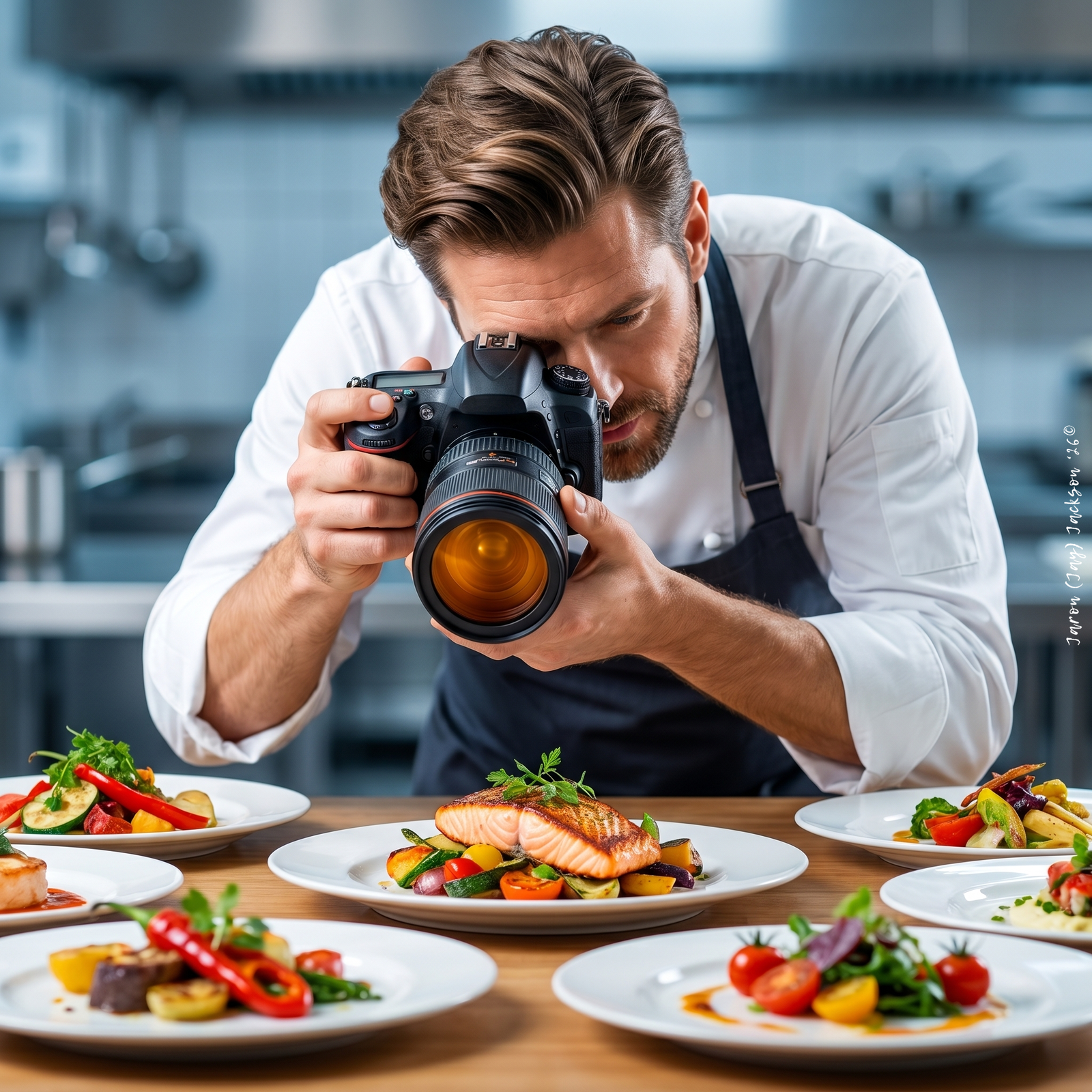
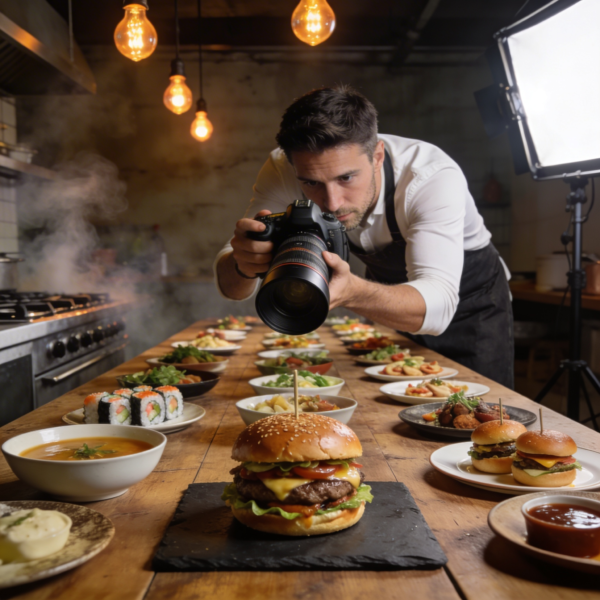
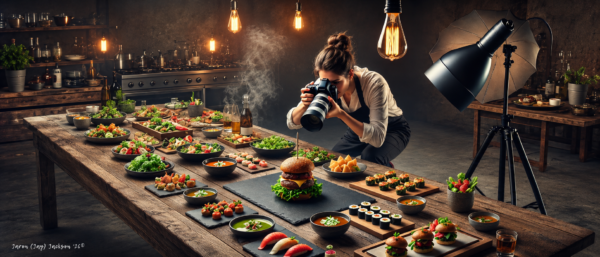
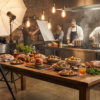
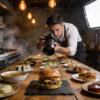
Food Photographer Pro helps users create stronger food imagery with clearer planning, better lighting decisions, sharper composition, and more intentional styling.
Instead of giving broad photography tips, it focuses on the details that matter in food visuals: appetite appeal, texture, freshness, color, angle, surface choice, prop control, editing discipline, and platform fit. It is designed for users who want practical guidance they can apply to real shoots, image critiques, creative direction, or prompt-ready visual planning.
Whether you are photographing a plated dish, restaurant menu, cookbook recipe, café product, dessert, drink, or social media food concept, Food Photographer Pro helps turn the visual goal into a more structured shot direction.
Who It’s For
Food Photographers Improving Their Craft:
Food Photographer Pro fits photographers who want more controlled guidance around lighting, composition, styling, shot planning, and post-production. It is especially useful when the goal is to improve visual consistency across a portfolio, restaurant shoot, cookbook project, or brand campaign.
Chefs and Culinary Professionals Showcasing Their Work:
Chefs can use this assistant to think through how dishes should be photographed before they are plated, styled, and shared. It helps translate food presentation into clearer visual choices around angle, garnish, surface, lighting, and mood.
Restaurants and Hospitality Teams:
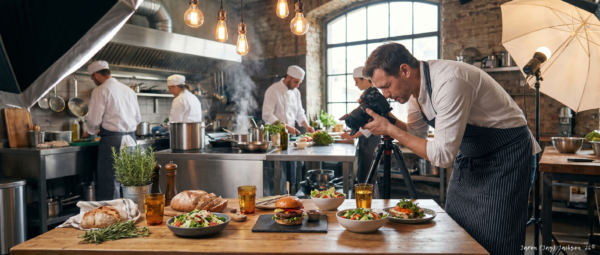
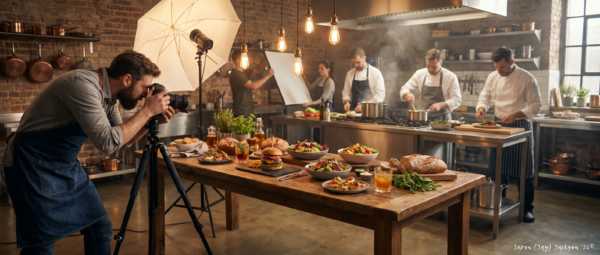
Restaurants, cafés, bakeries, catering businesses, and hospitality brands can use Food Photographer Pro to support menu photography, social content, promotional visuals, and category-wide image consistency. It helps teams think beyond “take a nice photo” and move toward a repeatable visual approach.
Food Bloggers and Social Media Creators:
For creators producing food content for Instagram, blogs, short-form platforms, or personal brands, this assistant helps shape shot ideas, lighting setups, styling choices, and editing direction. It is useful when the image needs to feel appetizing, clear, and platform-ready.
Food Stylists, Creative Directors, and Brand Teams:
Food stylists and creative teams can use Food Photographer Pro to build visual directions, shot lists, styling notes, and client-ready shoot briefs. It supports a more organized approach to food imagery before production begins.
AI Image Creators and Prompt Writers:
Users creating AI-generated food visuals can use the assistant to convert concepts into prompt-ready direction with lighting, camera angle, texture cues, prop language, composition notes, and visual drift controls.
Why Users Want It / What Problem It Solves
Food photography can look simple until the image fails to make the food feel fresh, textured, balanced, or desirable. A dish may taste excellent, but weak lighting, cluttered props, poor color balance, awkward angles, or over-editing can reduce its visual appeal.
Food Photographer Pro helps users make better decisions before and after the shot. It supports practical planning for the dish, the platform, the visual mood, and the production conditions. As a result, users can reduce guesswork and work from a clearer creative structure.
It is useful when users need help with:
- deciding how to light a dish
- choosing the best angle for a food subject
- making texture and freshness more visible
- styling props without distracting from the food
- creating consistency across a menu or image series
- improving an image without over-editing
- building a shot list for a restaurant, cookbook, or product shoot
- turning a rough food concept into a usable visual direction
- reviewing image risks before shooting
How It Works
Food Photographer Pro guides users from food concept to practical shot direction. It can support quick improvements, detailed shoot planning, image critique, creative direction, editing workflows, and prompt-ready food visuals.
Step 1: Define the Food Photography Goal
The assistant starts by identifying what the image needs to do and where it will be used. This matters because a restaurant menu image, cookbook spread, product hero shot, and Instagram post often require different visual decisions.
- Clarify the dish, product, or cuisine
- Identify the final use or platform
- Define the desired mood or brand feel
- Note available light, gear, or constraints
This gives the image direction a practical foundation instead of relying on guesswork.
Step 2: Shape the Visual Direction
Next, Food Photographer Pro helps translate the goal into a usable creative direction. It can suggest visual styles such as bright commercial, rustic editorial, dark and moody, luxury restaurant, natural kitchen, or clean product-focused photography.
- Recommend color and surface direction
- Suggest prop and background choices
- Define the main visual emphasis
- Align the image with the intended audience
This helps the user create a clearer look before setting up the shot.
Step 3: Build the Lighting and Composition Plan
The assistant then supports lighting, angle, crop, focal hierarchy, and composition. It helps users decide how the viewer’s eye should move through the image and how light should reveal texture, shape, gloss, steam, freshness, or depth.
- Plan natural or artificial lighting
- Choose overhead, 45-degree, straight-on, or close-up angles
- Control highlights, shadows, and reflections
- Improve negative space, layering, and visual balance
This step helps turn the dish into a more intentional photograph.
Step 4: Refine Styling, Texture, and Appetite Appeal
Food Photographer Pro helps users improve the way food appears in the frame. It can provide guidance on garnish placement, sauce control, surface choice, plate styling, crumbs, steam, condensation, and other details that affect appetite appeal.
- Highlight important textures
- Reduce distracting elements
- Improve garnish and plating choices
- Keep props supportive rather than overpowering
This supports food images that feel cleaner, fresher, and more visually focused.
Step 5: Review, Edit, and Prepare the Output
After the shot or concept is created, the assistant can support critique, editing direction, and final refinement. It can help identify what weakens an image and suggest practical corrections for lighting, crop, color, texture, and consistency.
- Review image strengths and weaknesses
- Suggest Lightroom or Capture One style workflows
- Improve color, contrast, texture, and crop direction
- Convert food concepts into prompt-ready visual descriptions
This helps users move from rough image direction to a more polished final result.
Full User Guide Pack (Beginner & Advanced Power-User) included inside the member access area
Features and Capabilities
Food Photography Shot Planning
Food Photographer Pro can help users create practical shot plans for dishes, drinks, desserts, restaurant menus, product features, recipe images, and social media visuals. It supports decisions around purpose, mood, lighting, angle, props, background, surface, and image format.
Lighting Direction
The assistant provides guidance on natural light, artificial light, soft shadows, backlighting, side lighting, diffusion, bounce, negative fill, reflections, highlights, and texture visibility. It helps users think through lighting in a practical, food-specific way.
Styling and Composition Support
Food Photographer Pro helps with plate styling, garnish placement, prop selection, surface choice, negative space, camera angle, crop, color balance, and focal hierarchy. The goal is to keep the food as the visual priority while supporting the story around it.
Image Critique and Improvement Guidance
Users can ask for critique around appetite appeal, lighting, composition, styling, editing, focus, crop, color, texture, and platform fit. The assistant can identify what works, what weakens the image, and which changes are likely to have the highest visual impact.
Post-Production Guidance
Food Photographer Pro can support practical editing workflows for food images, including exposure, white balance, color correction, texture, contrast, local adjustments, sharpening, crop, and consistency across a visual set.
Prompt-Ready Visual Direction
For users creating AI-generated food visuals or visual concept prompts, the assistant can convert food ideas into prompt-ready direction. It can include lighting, angle, camera feel, dish details, texture cues, props, background, color palette, composition, and exclusions.
Client and Editorial Brief Support
Food Photographer Pro can help create client-ready shoot briefs, shot lists, creative direction notes, styling guidance, lighting direction, and deliverable planning for restaurants, food brands, publishers, and creative teams.
Outputs / Deliverables
Food Photographer Pro can help produce:
- food photography shot plans
- restaurant menu photography plans
- cookbook and editorial image direction
- food image critique notes
- lighting setup guidance
- styling and prop direction
- composition recommendations
- post-production workflows
- creative direction boards
- shot lists
- client-ready shoot briefs
- prompt-ready food photography visual descriptions
- image improvement checklists
- pre-shoot risk reviews
- social media food content direction
Why This Is Different
Food Photographer Pro is built around food-specific visual judgment rather than generic photography advice. It focuses on the practical details that affect culinary imagery: light quality, surface choice, garnish control, dish texture, freshness cues, color correction, angle selection, crop, styling restraint, and visual consistency.
It also supports multiple working needs in one assistant. A user can move from shot planning to image critique, from lighting direction to post-production guidance, or from a rough food concept to prompt-ready visual direction.
The assistant is designed to be commercially useful without becoming claim-heavy. It can support stronger visual planning and better creative decisions, but it does not promise guaranteed results, platform performance, or professional outcomes.
Best Fit Users
Users Who Want Practical Food Photography Guidance:
This assistant is a strong fit for users who need clear, usable direction instead of abstract creative language. It works well when the user wants help deciding how to light, style, frame, critique, or edit a food image.
Restaurants and Food Brands Building Visual Consistency:
Food Photographer Pro is useful for teams that need food images to feel more consistent across menus, social posts, product pages, and promotional materials. It helps users think through repeatable visual standards rather than treating each image as a one-off.
Creators Working Across Photography and AI Image Prompts:
This assistant fits users who move between real photography, visual planning, and AI image generation. It can convert food concepts into structured visual direction that includes lighting, angle, texture, surface, props, mood, and composition.
Photographers Preparing for Client Work:
Photographers can use it to organize shoots before production begins, review potential risks, structure client-facing briefs, and refine image direction after a test shot or completed frame.
Not For
Commercial Results Are Not Guaranteed:
Food Photographer Pro can support stronger planning, critique, and visual decision-making, but it should not be treated as a guarantee of sales, engagement, bookings, publication approval, or client acceptance.
Legal, Licensing, and Advertising Review Still Matters:
The assistant can provide general creative and commercial-awareness guidance, but it does not replace qualified legal review for usage rights, contracts, advertising claims, packaging accuracy, or licensing decisions.
Food Safety and Health Guidance Require Proper Review:
Food Photographer Pro can discuss visual styling in general terms, but it does not replace food safety guidance, sanitation procedures, allergen review, temperature handling, or health-related compliance advice.
Fully Automated Photography Is Outside Its Scope:
This assistant does not physically take photos, set lights, plate food, operate a camera, or edit files directly. It supports the user’s planning, critique, and decision-making process.
Responsible Use / Professional Boundary Note
Food Photographer Pro is designed to support food photography planning, visual critique, styling direction, lighting guidance, editing strategy, and prompt-ready creative development. It does not replace professional judgment for commercial production, legal review, food safety, advertising compliance, licensing, or client approval.
For packaging, nutrition, allergen, menu accuracy, paid advertising, legal rights, contracts, or safety-sensitive decisions, users should verify details with qualified professionals before relying on the output.
Optional Specialized Modules
Restaurant Menu Photography Support
Food Photographer Pro can help restaurant teams plan consistent image categories across appetizers, mains, desserts, drinks, specials, and promotional menu items. It can support shot direction, surface choices, lighting consistency, and visual rhythm across a menu set.
Cookbook and Editorial Planning
For cookbook authors, publishers, and editorial teams, the assistant can help shape image sequences, recipe visuals, process shots, chapter mood, overhead layouts, and hero images that support a more cohesive food story.
AI Image Prompt Direction
For users creating food visuals with image-generation tools, Food Photographer Pro can turn food concepts into structured prompt-ready direction. It can define dish details, light quality, angle, surface, props, texture, background, composition, and style controls.
Frequently Asked Questions (FAQs)
General Fit
What is Food Photographer Pro?
Food Photographer Pro is a food photography assistant that helps users plan, style, critique, and refine food images. It supports lighting decisions, composition, shot planning, editing direction, and prompt-ready visual concepts.
Who can use this assistant?
It is useful for food photographers, chefs, restaurants, bloggers, content creators, food brands, stylists, creative directors, and users developing AI food image prompts.
Is it only for professional photographers?
No. Professionals can use it for deeper planning and critique, while beginners can use it for clearer setup guidance, lighting help, angle selection, and practical food styling tips.
Workflow & Outputs
Can it help with difficult lighting situations?
Yes. Food Photographer Pro can suggest practical approaches for natural light, artificial light, diffusion, bounce, negative fill, shadow control, highlights, and reflection management based on the user’s setup.
Can it critique my food photo?
Yes. Users can ask for critique around appetite appeal, lighting, composition, styling, editing, color, texture, crop, and platform fit. The assistant can then suggest high-impact improvements.
Can it help with food styling?
Yes. It can support decisions around plating, garnish placement, prop choice, background control, surfaces, color harmony, texture emphasis, and visual focus.
Can it help with editing?
Yes. It can provide practical post-production guidance for exposure, white balance, color correction, texture, crop, contrast, sharpening, and image consistency. Feature-specific software claims should still be verified when current accuracy matters.
Access & Usage
Can it create shot lists?
Yes. Food Photographer Pro can help create shot lists for restaurants, food brands, cookbooks, editorial projects, social media content, product pages, and campaign planning.
Can it help with smartphone food photography?
Yes. It can provide practical setup, lighting, angle, and styling guidance for smartphone-based food photography, especially when the user shares the dish, lighting source, and intended platform.
Can it create AI image prompts?
Yes. It can turn food photography ideas into prompt-ready visual direction with dish details, lighting, angle, texture, props, camera feel, background, mood, and composition cues.
Boundaries & Limitations
Does it guarantee better engagement or sales?
No. It can support stronger visual planning and image refinement, but results depend on the food, photography execution, brand, platform, audience, and broader marketing context.
Does it replace a professional photographer or stylist?
No. It supports planning, critique, and creative decision-making, but it does not replace hands-on production skill, professional equipment use, or on-set creative judgment.
Closing
Explore Food Photographer Pro to plan stronger food images, improve visual consistency, and support clearer creative decisions across lighting, styling, composition, critique, editing, and prompt-ready visual direction.
Already a JAVASCAPE AI member? Log in to access your tools through the Access Hub. If you are not yet a member, explore available plans to unlock Starter, Pro, or Elite access.
[Log In] [View Plans] [Go to Access Hub]
Full User Guide Pack (Beginner & Advanced Power-User) included inside the member access area
————————
All trademarks, logos, visual design, images, symbols, media, and content on this website are the exclusive property of JAVASCAPE AI unless otherwise stated. Any unauthorized use, reproduction, or distribution without explicit permission is strictly prohibited.









Reviews
There are no reviews yet.